The full tour
Built for how charity shops actually work
The jobs every shop juggles, from pricing donations to tracking Gift Aid and looking after donors, and how KindStock quietly takes each one off your plate.
Donation to shop floor
Stock, priced and labelled in seconds
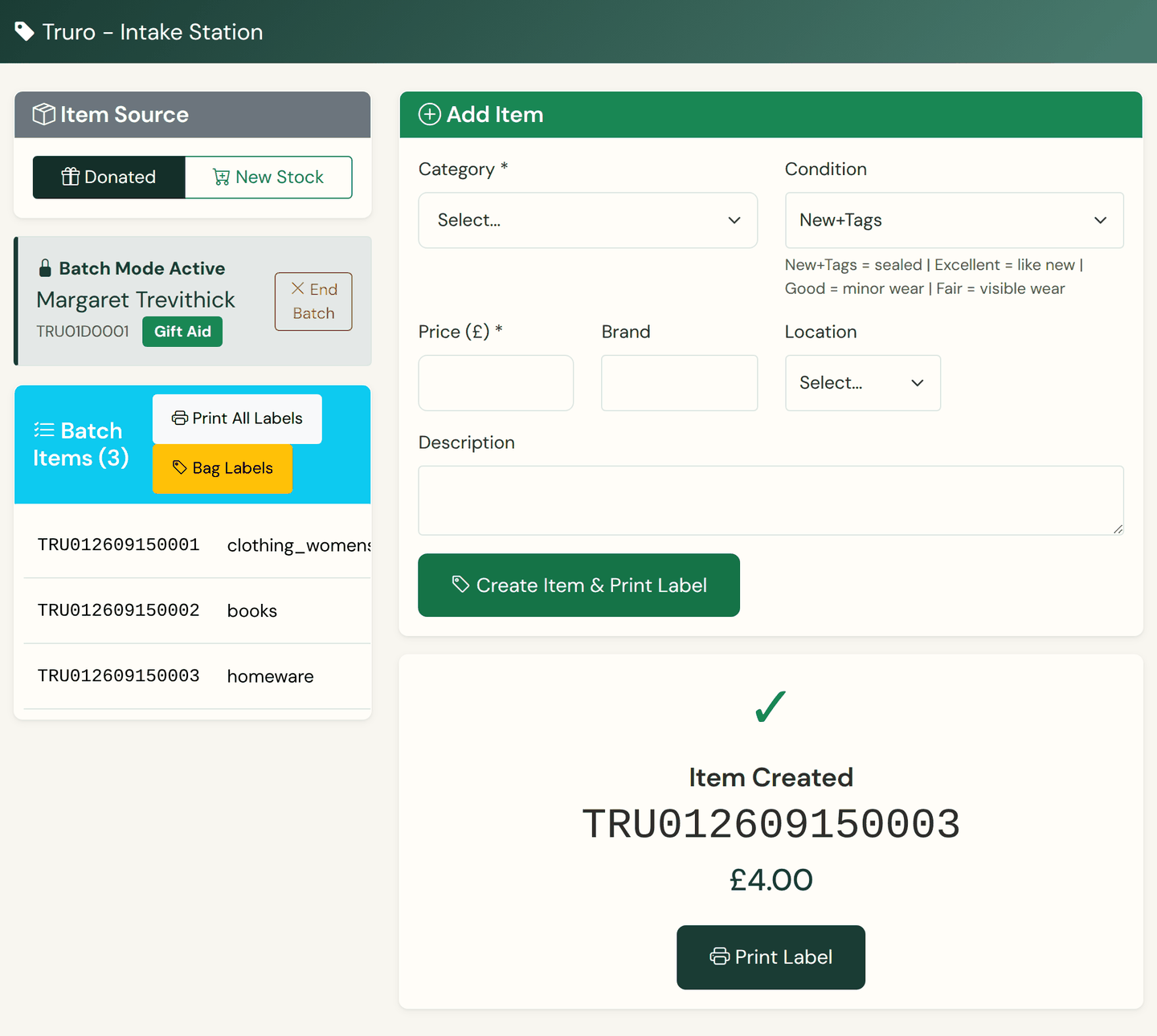
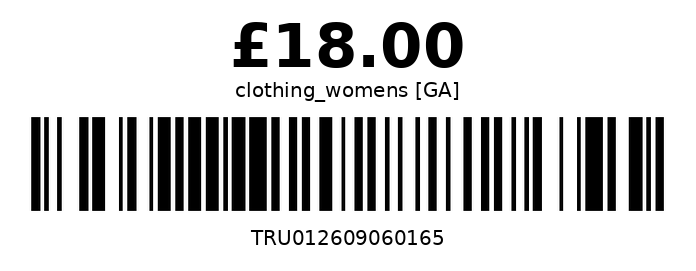
A donation becomes stock in a few taps: pick a category, set a price, and the barcode label prints at the intake station. It's an interface volunteers learn in their first shift.
- Works with any standard USB barcode scanner, the plug-in-and-go kind, with no drivers to install
- Thirteen charity-retail categories, from women's clothing to bric-a-brac, with pricing you set item by item
- Barcode price labels print as you go, and open as a PDF that tells you why if the label printer is off
- Batch mode holds one donor for a whole bag of donations, then prints every label in one go, bag labels included
- Ageing thresholds and markdown percentages per category: preview the reductions, then apply them in one click
Where most of our work goes
Gift Aid, tracked properly
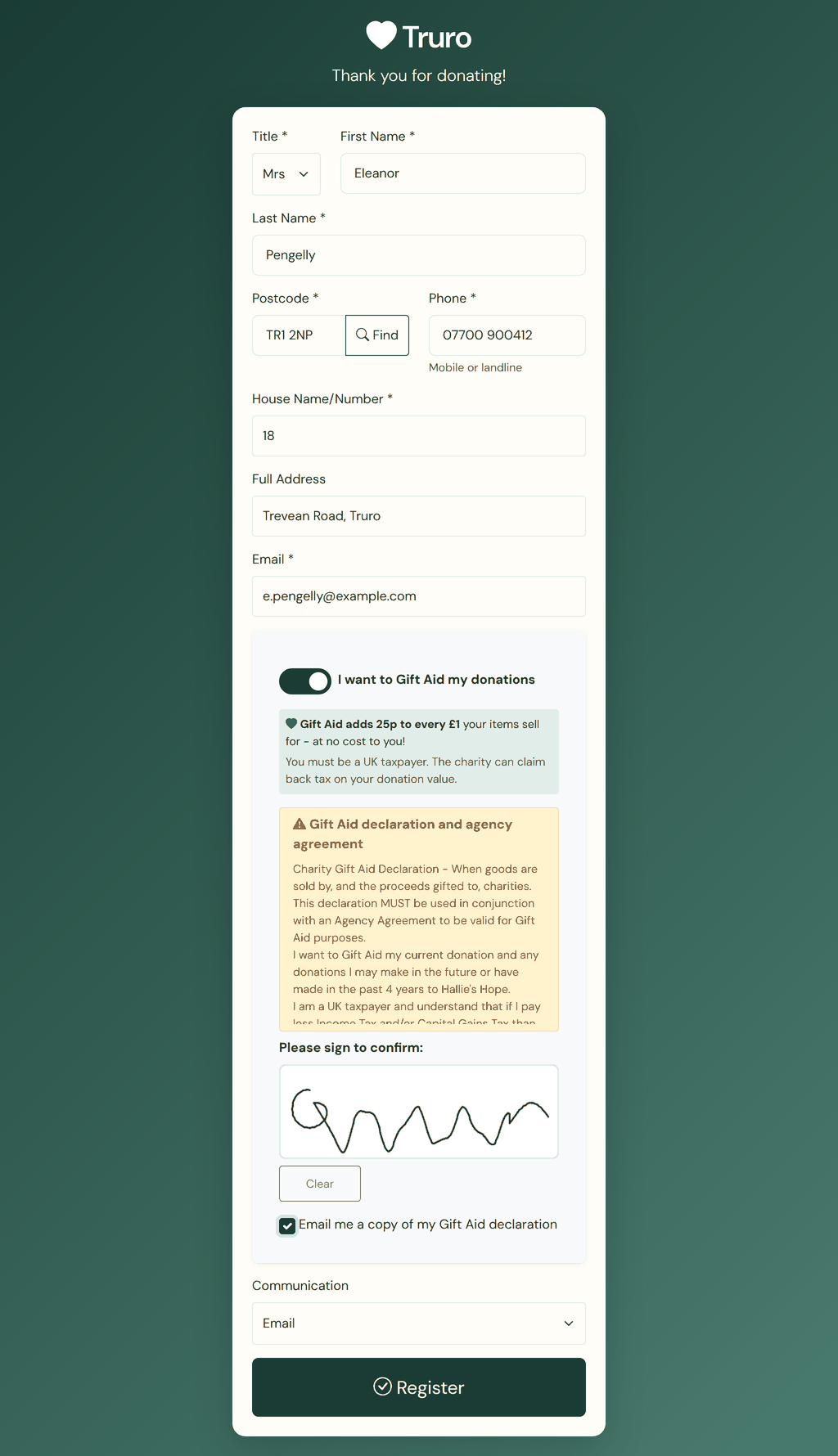
Donors sign once at the counter kiosk. From then on every eligible sale is matched to them at the till, the Gift Aid figures sit on your reports as you trade, and the donor notices go out on a monthly run, all in one place instead of a spreadsheet.
- 25p tracked for every eligible £1, ready for your HMRC claim
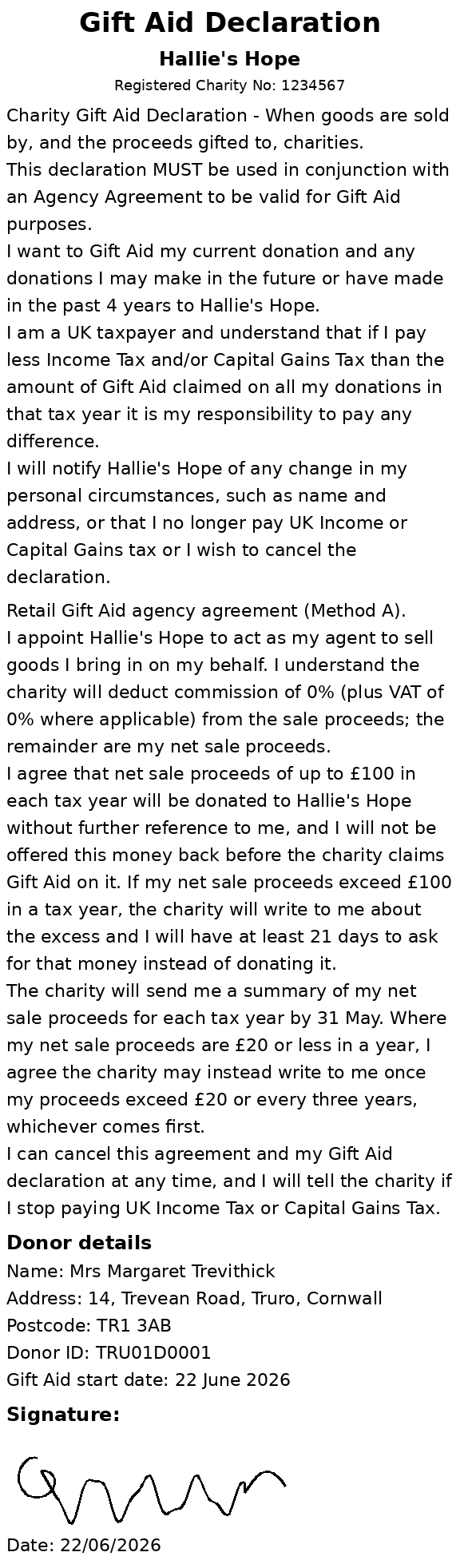
- The declaration signed in your charity's registered wording, at the kiosk, on the customer display or from the till
- Every eligible sale matched to its donor at the till, and reversed from that sale's own figures if the item comes back
- The donor notices HMRC requires go out on a monthly run you switch on, or you send one with a button; the £100 offer letter and the end-of-year summary are prepared in the same wording, and their sending is not switched on yet
- The Gift Aid figures on your dashboard and reports as you trade. Preparing and filing the HMRC claim itself is not switched on yet, and we will tell you before it is
- A full audit trail behind every donor: the wording they signed, the sales matched to them, and every notice sent
Zero-risk practice
The real till, without the risk
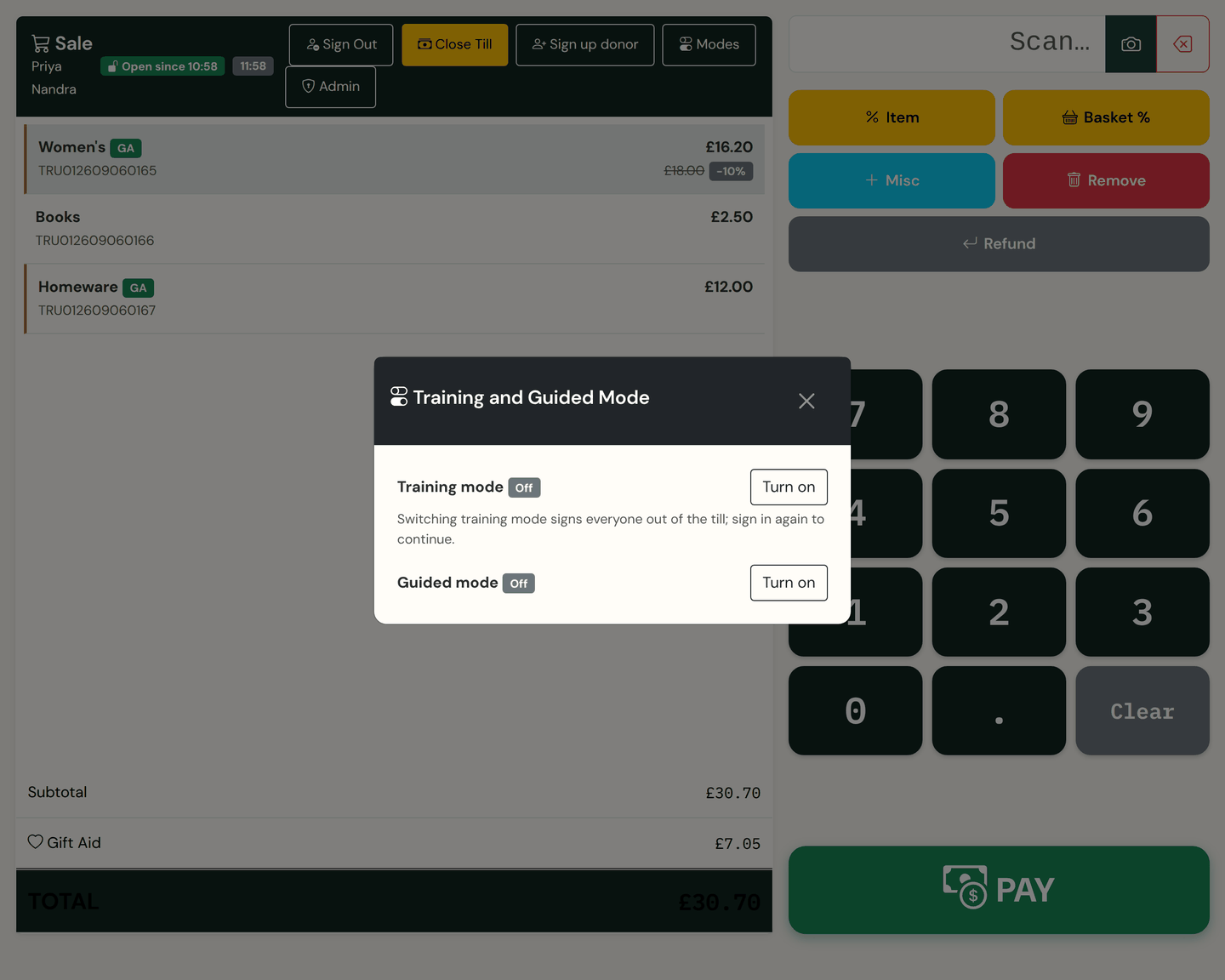
Switch on training mode and new volunteers practise on the actual system with practice data that's clearly marked on every screen, kept apart from your live records, and reset in one click.
- The same screens volunteers use on a real shift
- Practice stock and sales seeded automatically
- A banner on every screen, so nobody's ever unsure
- Nothing from a practice shift reaches your live records
- Guided mode adds short prompts on the till for a volunteer's first shifts, then drops away
- A manager switches either mode on at the till with their PIN, or from admin in one click
People, not paperwork
Know the people behind the donations
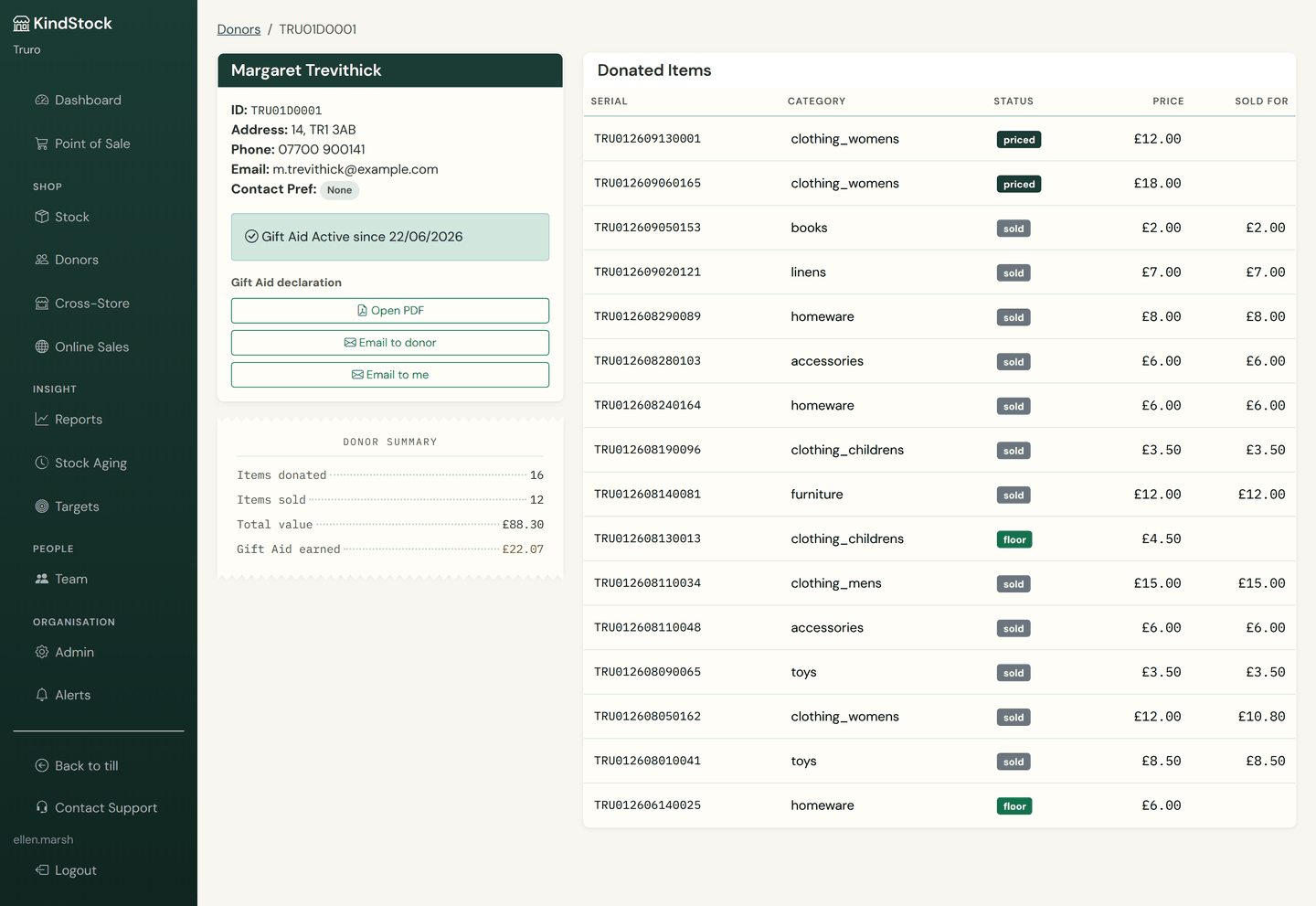
Every donor gets a profile: what they've given, what it raised, and whether Gift Aid applies. Their Gift Aid notices go out as a batch you send with one button, so nobody spends a Tuesday afternoon on a mail merge.
- A profile and donation history for every donor
- See what each donation raised over time
- The signed declaration printed, saved as a PDF or emailed to the donor while they wait
- Every Gift Aid declaration in one place, in the wording the donor actually agreed to
- Contact preferences recorded on every donor, shown on their profile and carried into your exports
- Already have signed-up donors? Send us your list before you go live and we'll load their details with you as part of setup. Gift Aid declarations are signed fresh in KindStock, so those donors sign once at the kiosk
Know your shop
Reports you'll actually read
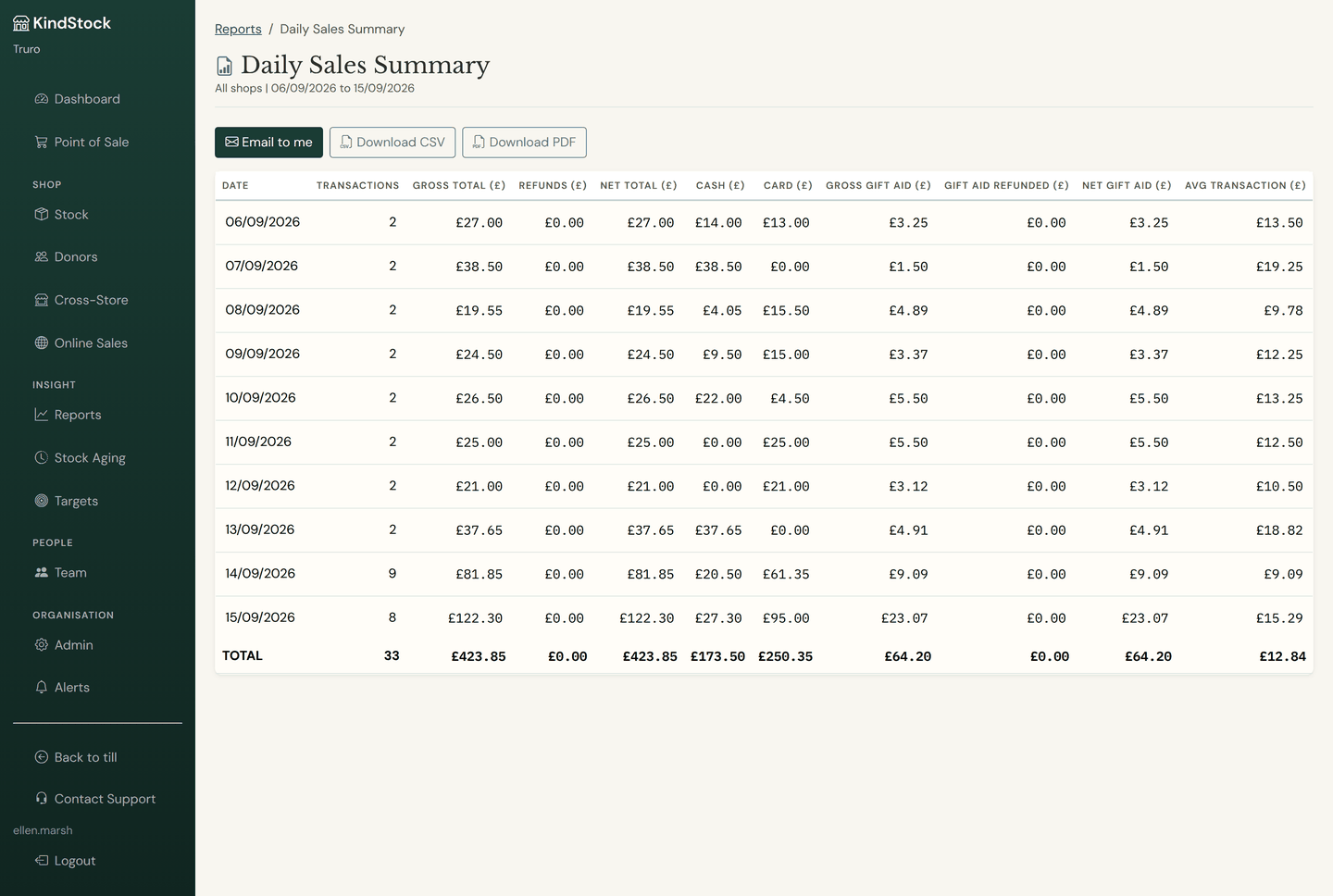
See how the shop is really doing, day by day or year on year. Sales, stock and Gift Aid in plain charts, and fifty reports you can open on screen, sort, and send on when the treasurer asks.
- Fifty reports in six groups: sales, stock, Gift Aid, staff, financial and audit
- View any report on screen, sort it by any column, or email it to yourself
- Download it as a CSV that opens straight in Excel, or as a PDF
- The sales trend over the last 30 days or 12 months, with last year alongside
- Stock ageing bucketed for you, with the markdowns previewed before you apply them
- Alert emails when something needs you: yesterday's summary, a missed target, ageing stock, incomplete declarations, a printer or shop box gone quiet
More than one shop?
Every shop on one dashboard
Run two shops or twenty from the same place. Compare performance side by side, move stock to where it sells, and give each role exactly the access it needs.
- One dashboard across every location
- Stock transfers between shops: request, approve, ship and receive, with every step logged
- Per-shop and whole-charity reporting
- Four roles, with each manager assigned to the shops they look after
- Set your ageing thresholds and markdown percentages once, and every shop prices to the same rules
12 coats moved · High Street → Retail Park
The shop-by-shop comparison you get from the shop filter and the Cross-Store view.
Offline first
The shop keeps selling
Thick walls, a flaky router, a rural exchange: none of it stops the till. The in-shop server runs everything locally, cash sales carry on as normal, and everything syncs to your dashboard the moment the connection returns.
- Cash sales carry on with no internet at all, and none of them is ever lost
- The in-shop server sits on your own shop network, and the tills reach it over your shop wifi
- A sale that couldn't be recorded goes to a list staff can see and retry, never quietly dropped
- Card, gift-card and account payments need the connection back, so the till asks for cash while you're offline
- Everything syncs the moment the line comes back, then every couple of minutes after that
At the counter
Card payments and the customer's own screen
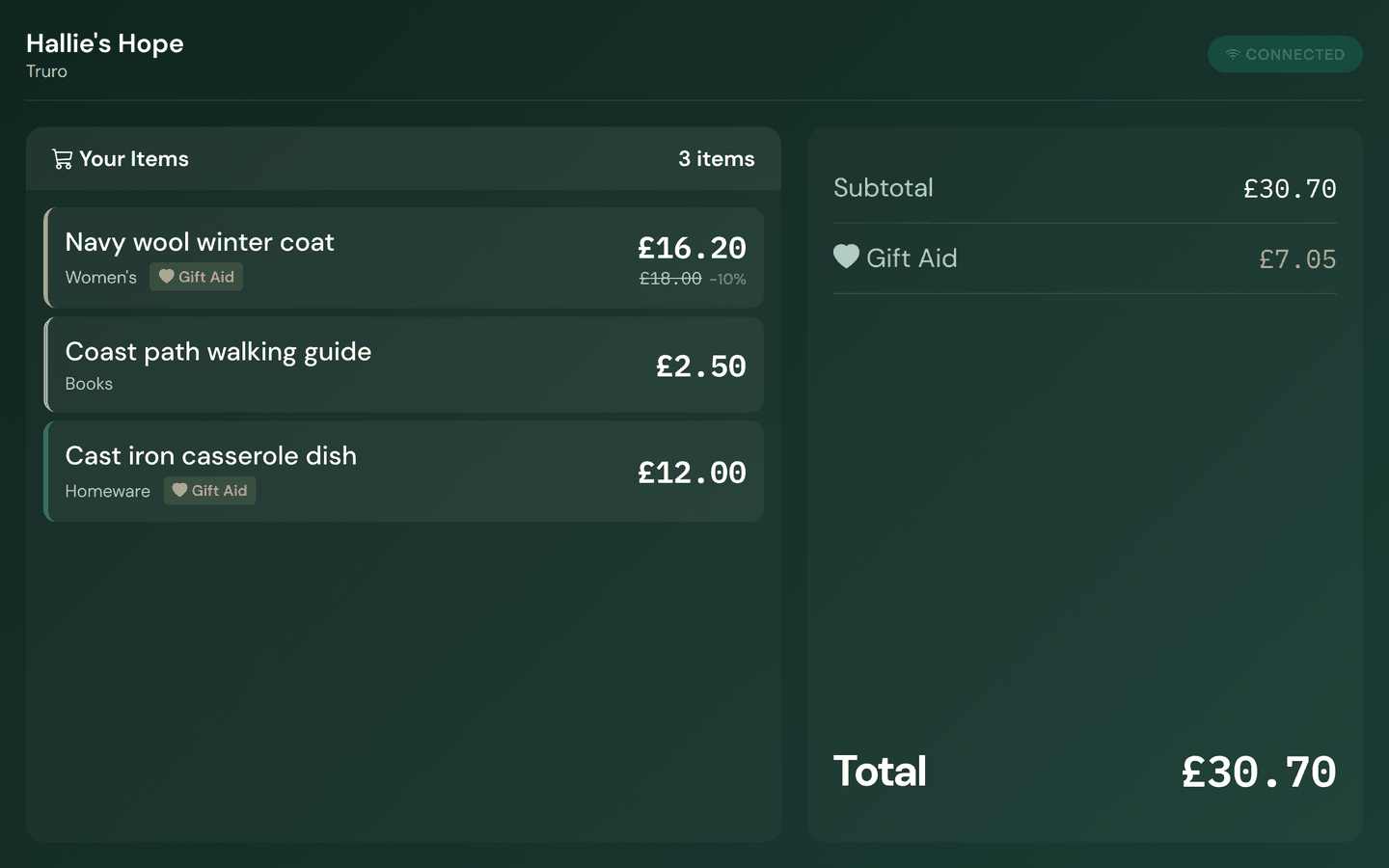
Once card readers are switched on, you press Card at the till and the amount goes straight to the reader. The customer's own display shows the basket as it's scanned, in your charity's colours, and asks the two questions worth asking while they pay.
- For the SumUp Solo: the amount goes to the reader, and the sale is recorded when the customer taps
- Built and in testing, not yet switched on for live shops. Until it is, cards run on your existing terminal exactly as they do today
- Every item on the customer's screen as it's scanned, with the Gift Aid line and the running total
- Round up to the next pound and donate the difference: one tap at payment, printed on the receipt as its own line
- The customer chooses their receipt: printed, a QR code to their phone, or none at all
- Gift Aid sign-up on the display or from the till, without losing the sale in progress
- One-tap keys on the till for a percentage off an item, a percentage off the whole basket, and a miscellaneous priced line
The box, and the first day
Hardware that sets itself up
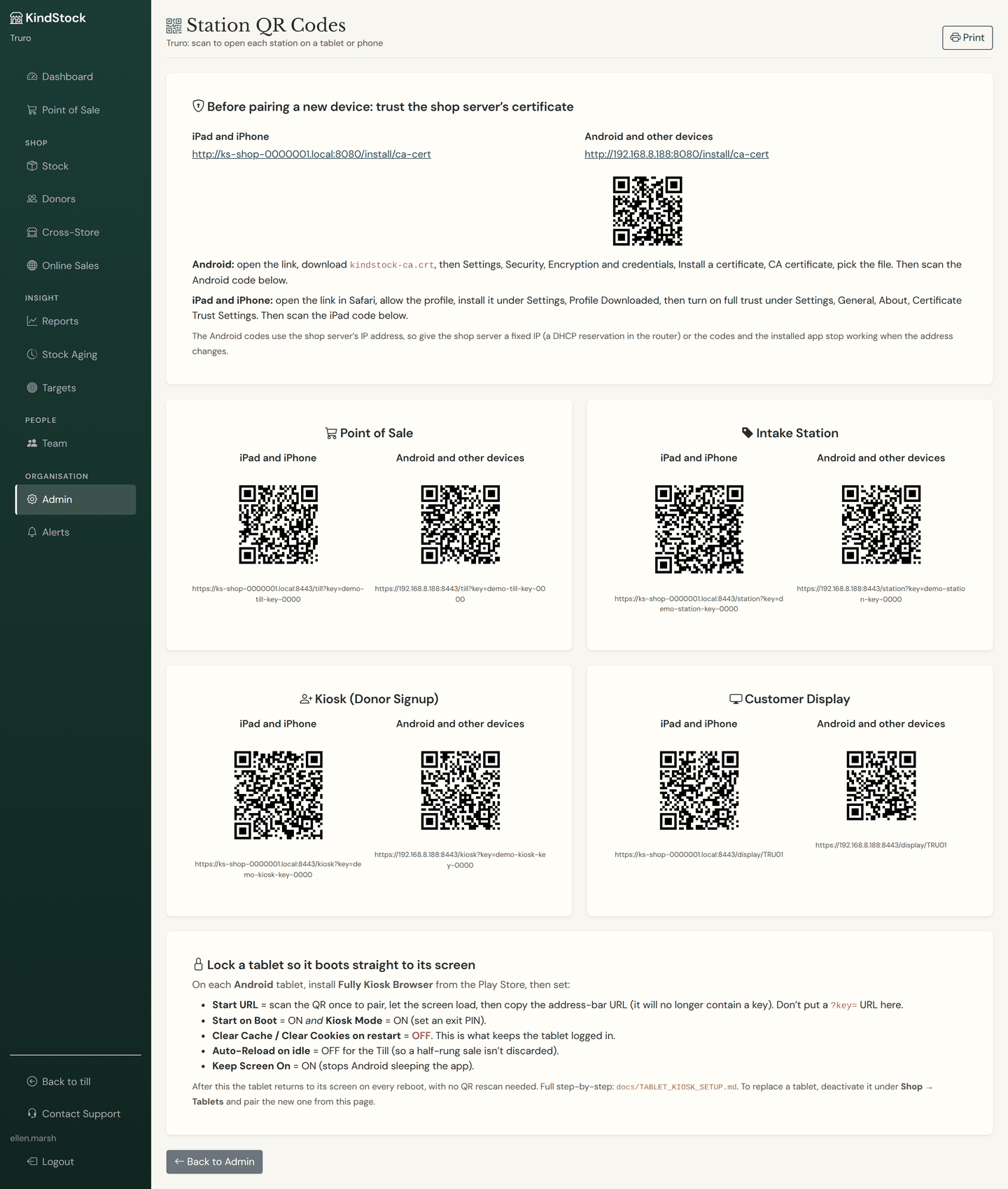
Till screen, receipt printer, label printer, barcode scanner, cash drawer and the in-shop server, configured to work together before the box leaves us. Adding a tablet is a scan and a one-off trust step, with the codes printed for you.
- One tap on the hardware page finds the printers plugged into the shop box and gives each one its job
- The till and the intake station tell you when a printer is off, and the box brings a stuck USB printer back on its own
- Every station prints two pairing codes, one for iPads and iPhones and one for Android, after a one-off step per device to trust the shop server's certificate
- The shop box's disk is encrypted and its key is released from the cloud at boot, so a box reported missing never unlocks again
- Nightly backups, encrypted before they leave the shop, and an email to you if they ever stop arriving
- Updates are sent from the cloud and land on the shop box within minutes, with nobody in the shop touching the machine
See the whole thing working
A few minutes in the interactive demo, no sign-up needed. Then, if it looks right for your shop, see exactly what it costs.